Creating Your Account
Last updated: October 13, 2026
What this is
Welcome to Audyence! This guide shows you how to create your account, verify your email, and sign in for the first time.
Key takeaway: Sign up at www.audyence.app, choose Advertiser or Agency, then enter the code we email you. Pick your business type carefully, because it decides how your account works.
Sign up
Go to www.audyence.app. Agencies and advertisers can both create a profile there.
Choose your business type:
Advertiser: you work for a B2B brand.
Agency: you work for a media, advertising, full-service, or general marketing agency.
Accept the terms & conditions and the privacy policy.
You'll see the Audyence RTD home screen.
Important: Choose your business type carefully. It decides how your account works. Not sure which to pick? Read Account Types: Advertiser vs. Brand vs. Agency before you sign up.
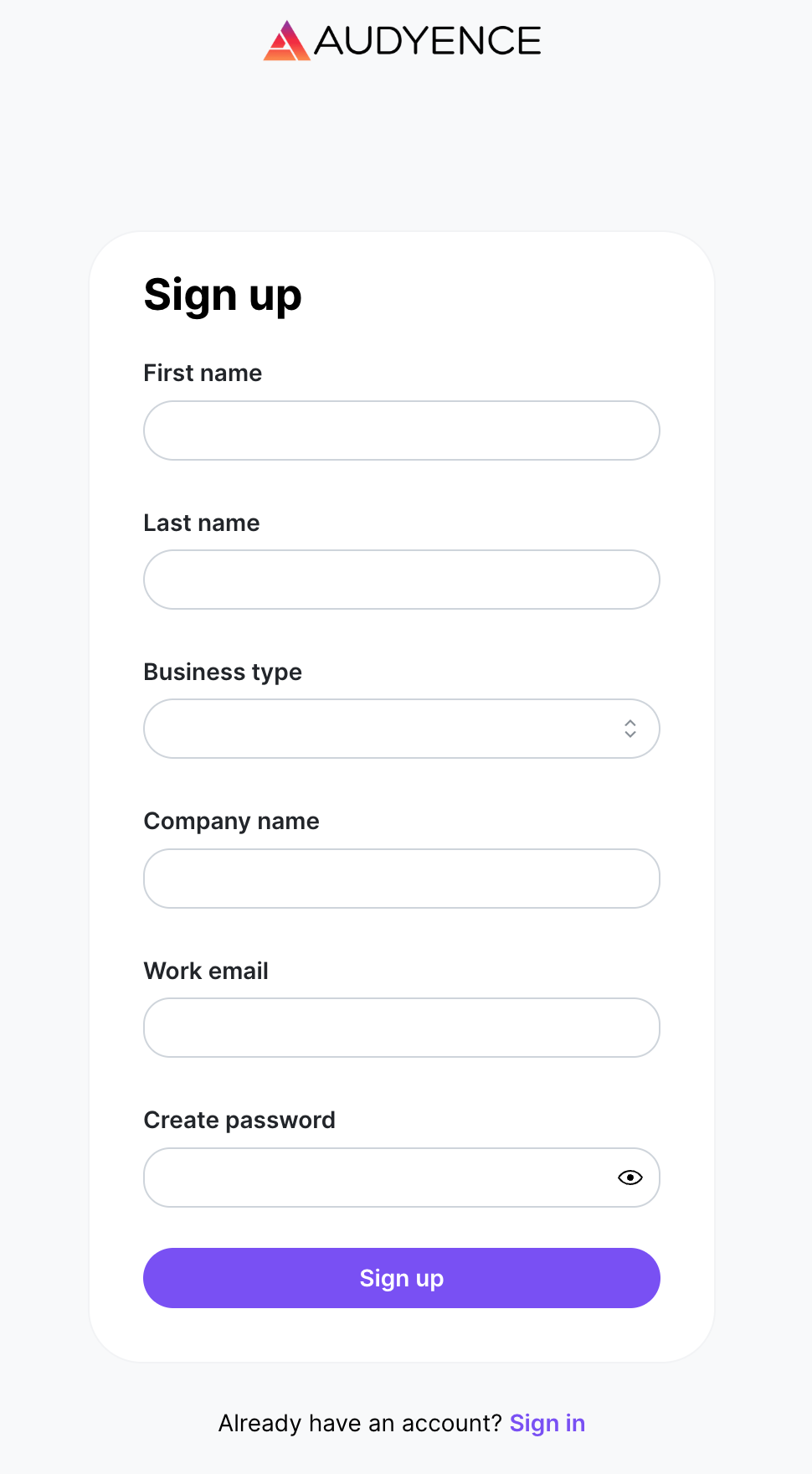
Verify your email
After you sign up, we send a verification code to the email address you registered with. Enter the code to confirm your address.
Sign in
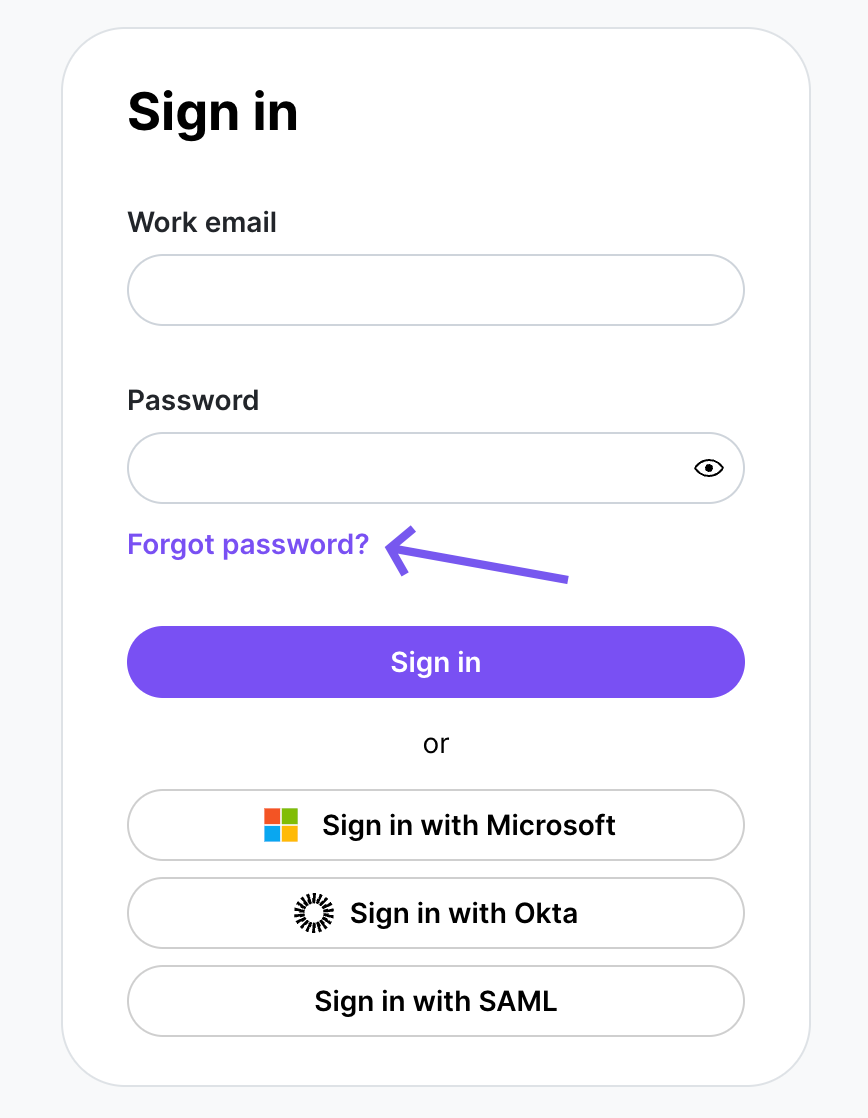
Sign in at www.audyence.app with your email address and the password you set when you signed up.
Reset your password
On the sign-in page, click Forgot Password.
Enter the email address you signed up with.
Open the reset link we send to your inbox.
Create a new password that meets the password policy.
Use your new password the next time you sign in.
Next steps
Account Types: Advertiser vs. Brand vs. Agency: how Advertiser, Brand, and Agency accounts differ.
SSO Requirements and Setup Guide: set up single sign-on with Okta.