Release Mar 3, 2025
Last updated: October 13, 2026
What this is
Release notes for March 3, 2025. This release adds Single Sign-On (SSO) with Auth0 for everyone, plus Marketo integration, custom fields and data transformations for Agency users.
Key takeaway: You can now sign in with your organization's identity provider through Sign in with SSO. To set it up, contact Audyence support. Agency users can also connect their clients' Marketo, create custom campaign, lead and company fields, and set up data transformations.
Note: This note describes the platform on March 3, 2025. For current steps, see Integrations and Marketo.
Single Sign-On (SSO) with Auth0
SSO lets your team sign in to Audyence with one set of credentials managed by your organization's identity provider (IdP).
Benefits:
No more separate passwords, which lowers the risk of weak or reused passwords.
Less sign-in hassle, especially for enterprise users who switch between many apps.
Easier compliance with company security policies and regulations, because sign-in is managed by your IdP.
How it works
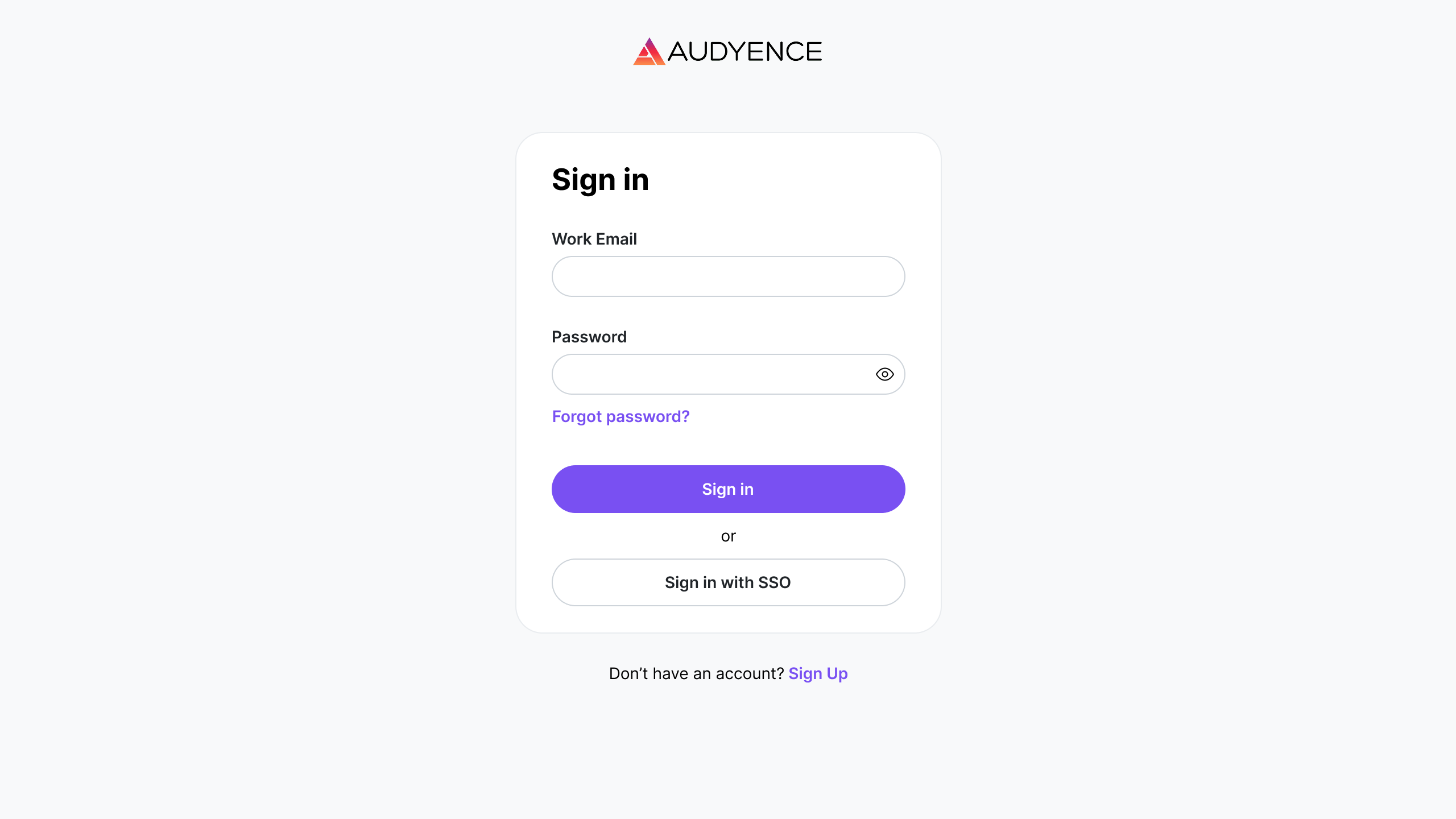
On the login page, select Sign in with SSO.
Enter your domain.
You're sent to your organization's identity provider to sign in.
After you sign in, you're sent back to Audyence, already signed in.
Getting started
Email support@audyence.com to set up your identity provider.
Ask your IT administrator for your domain and clientId, and share them with Audyence.
Important: SSO won't work until Audyence support has configured your identity provider.
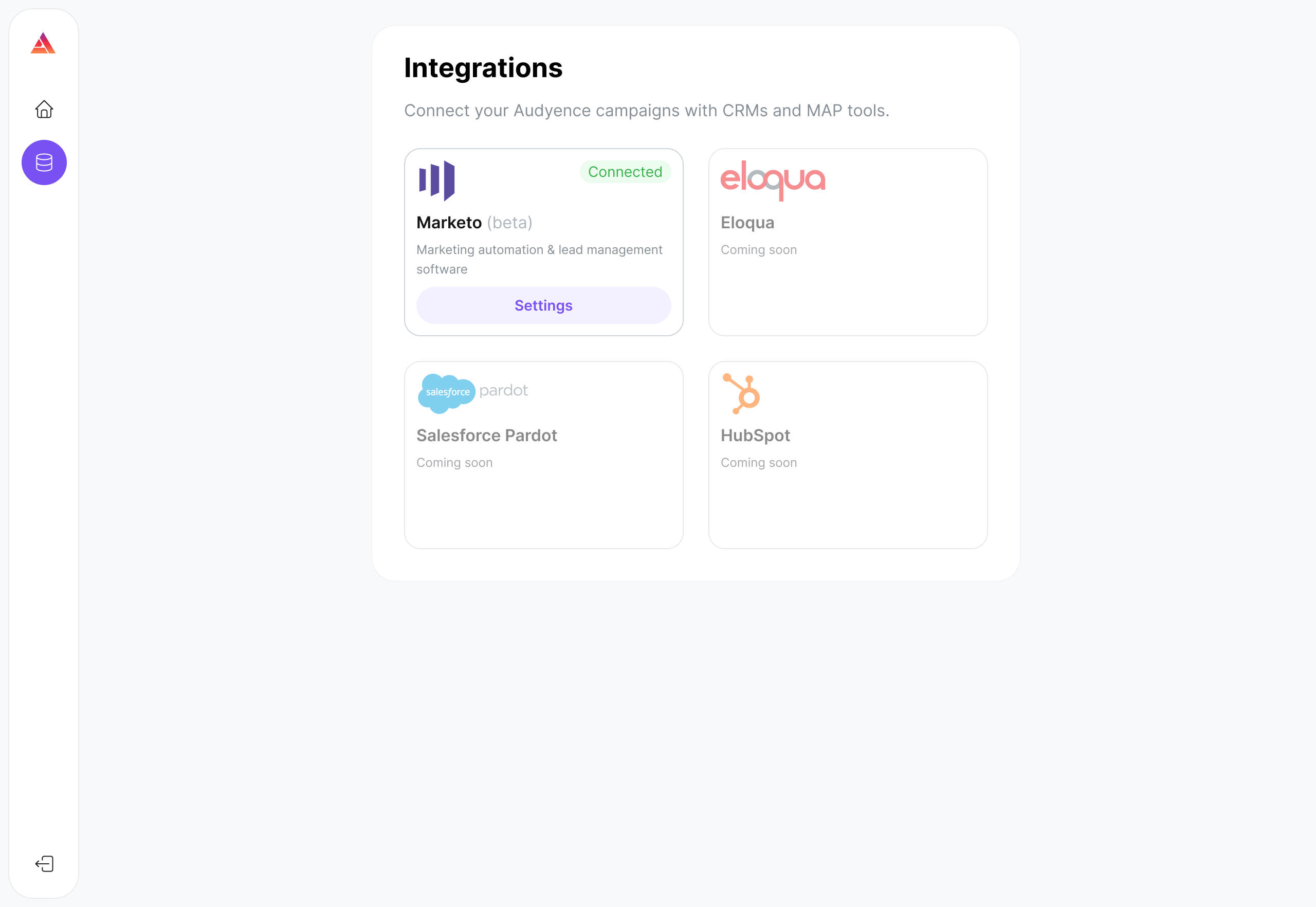
Marketo integration for Agency users
Agency users can now connect their clients' Marketo through the Agency's Audyence account. Once the Marketo connection is set up and field mapping is done, approved leads sync automatically for every campaign with sync turned on.
This:
cuts manual work
keeps lead data accurate
keeps lead management smooth and secure
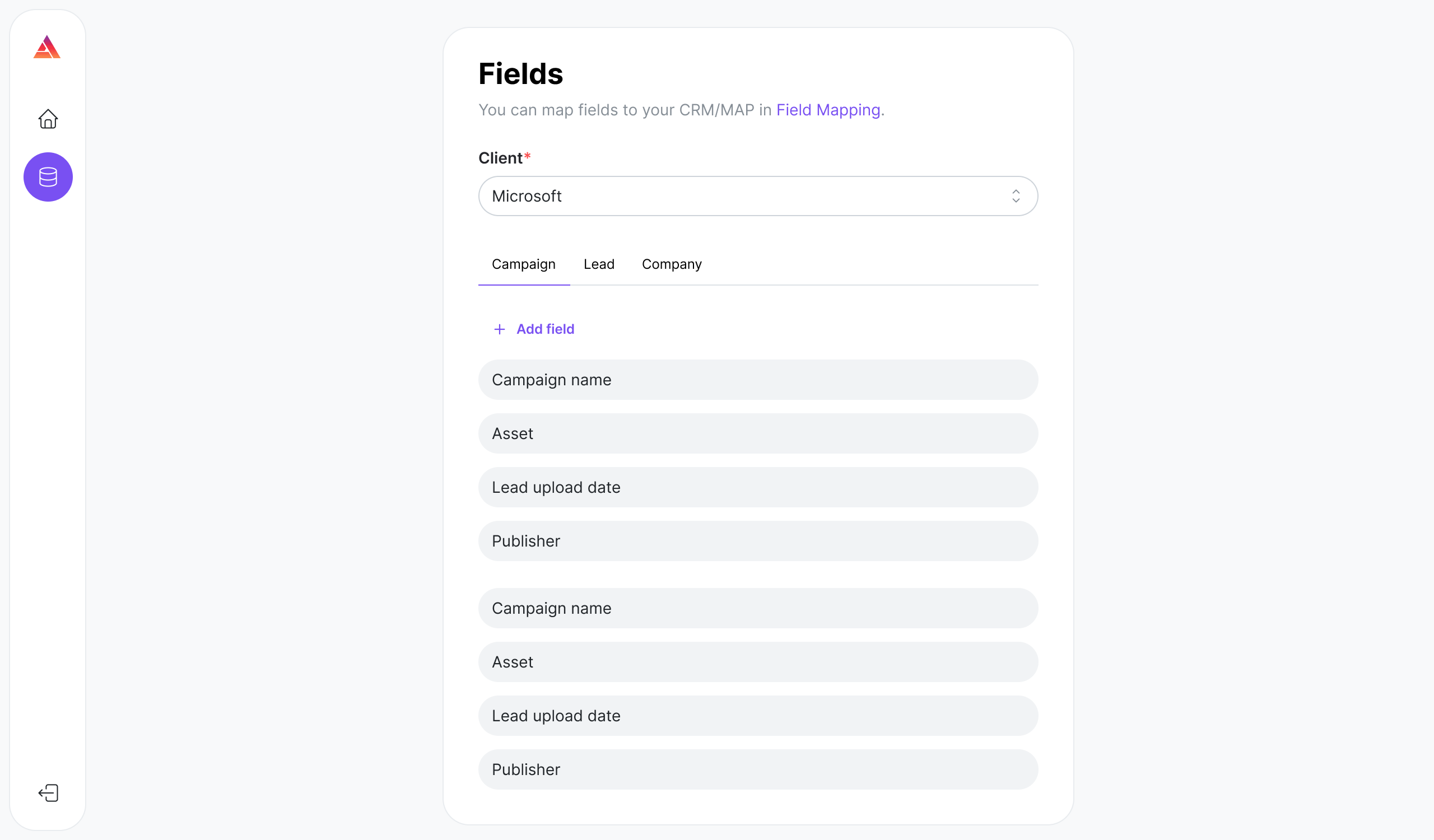
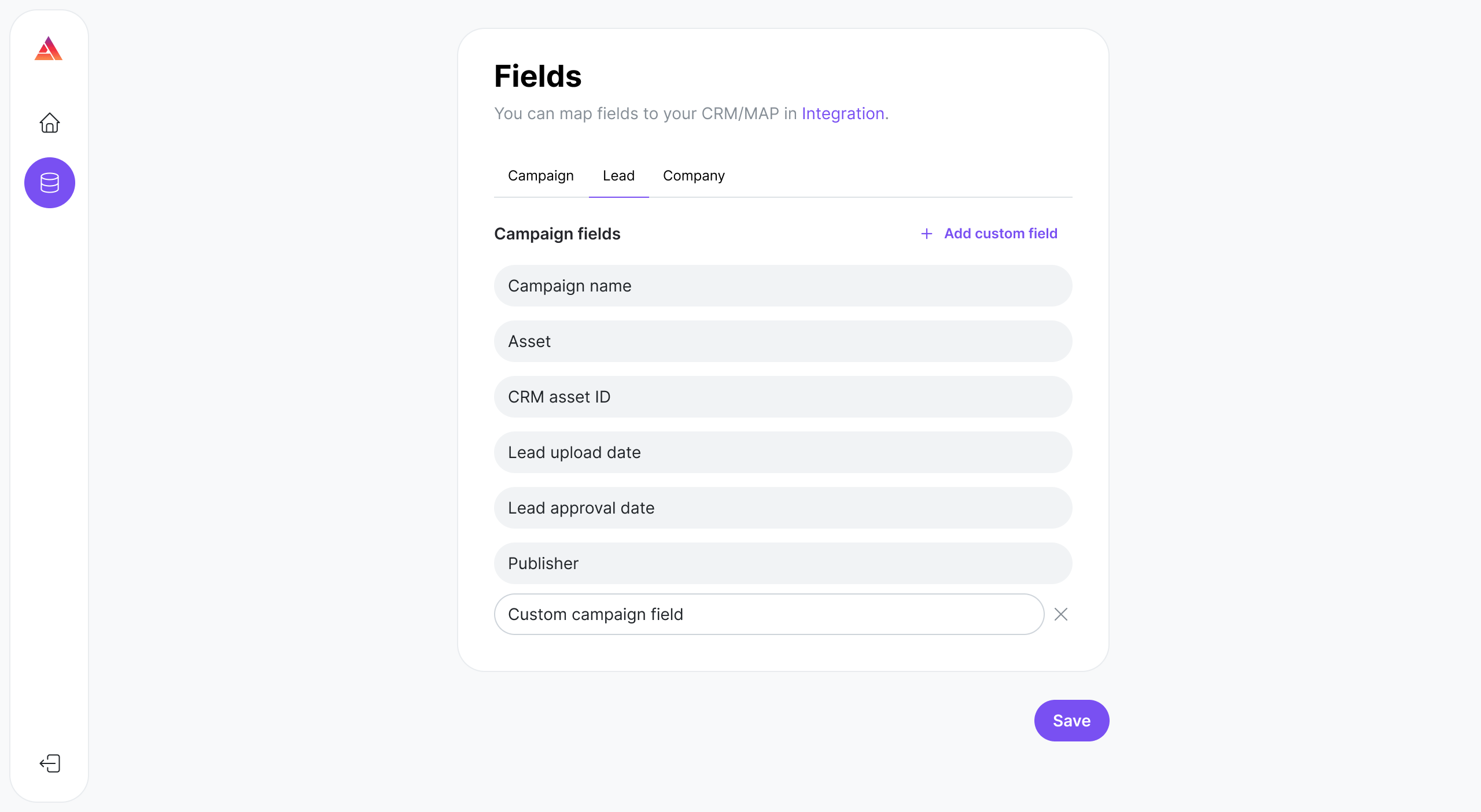
Custom campaign fields for Agency users
Create fields for a specific campaign. These fields can sync straight to your CRM or be exported with leads in a CSV file. They're private: publishers can't see them.
Custom campaign fields give you more control, more detailed tracking and easier field mapping.
Custom lead and company fields for Agency users
Create custom fields that you can reuse across campaigns. This saves repeat work and improves lead syncing during field mapping, so you can collect the data each campaign needs.
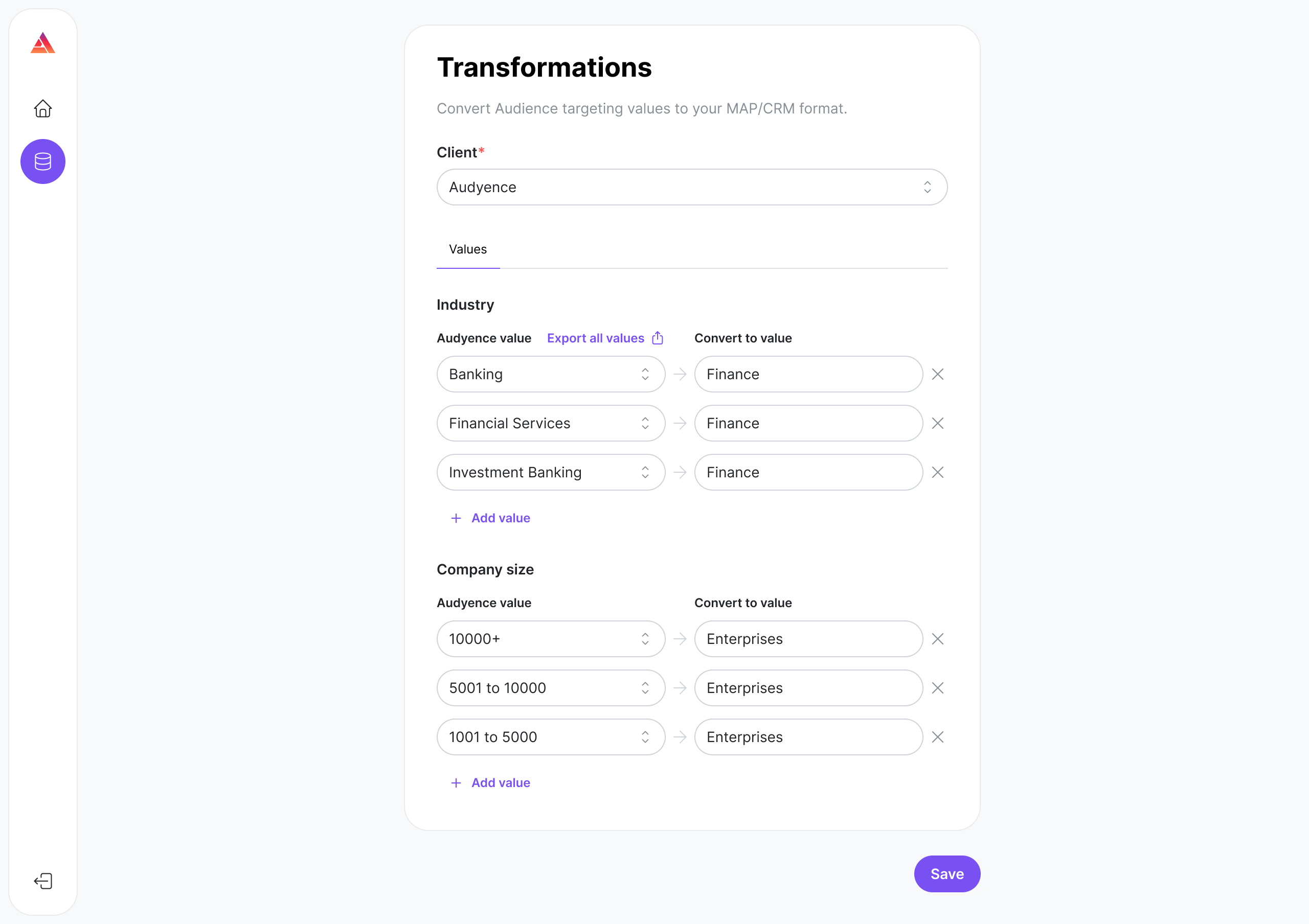
Data transformations for Agency users
Map field values so they match your own workflows or platform requirements. This helps you standardize data across platforms, cut manual work and improve data quality.
Tip: Go to Integrations, then Transformations in the left menu.