Release Jul 23, 2024
Last updated: October 13, 2026
What this is
Release notes for July 23, 2024. This release lets you delete draft RFPs, turn on lead enrichment for US campaigns, and raise "Max leads per account" on live campaigns.
Key takeaway: Delete unused draft RFPs from the Campaigns Dashboard's three-dot menu. Turn on Enrichment when the country is the United States. Raise Max leads per account on an ongoing campaign with Optimize Campaign.
Note: This note describes the platform on July 23, 2024. For current steps, see Editing a Live Campaign.
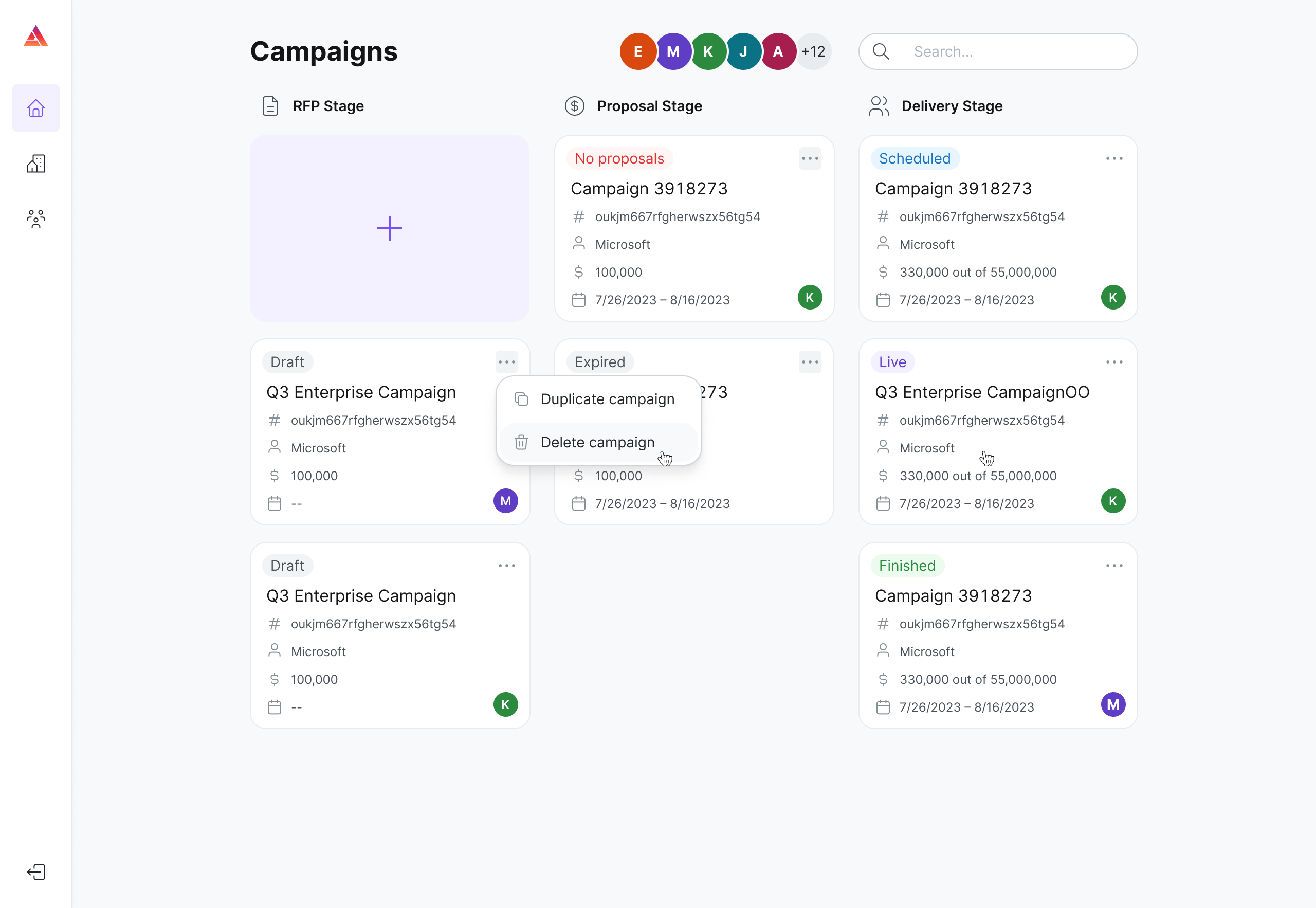
Delete a draft RFP
You can now delete draft RFPs from the Campaigns Dashboard. Open the three-dot menu on the draft and delete it. This keeps your dashboard clean so you can focus on active campaigns.
Warning: Deleting a draft RFP removes it from your dashboard.
Turn on enrichment fields
When you select United States as the country, you can turn on Enrichment. Enrichment adds more information about each lead automatically, without asking the lead for more details. This gives you fuller lead profiles for US-based leads, so you can target your follow-up better.
Important: Enrichment is only available when the campaign country is the United States.
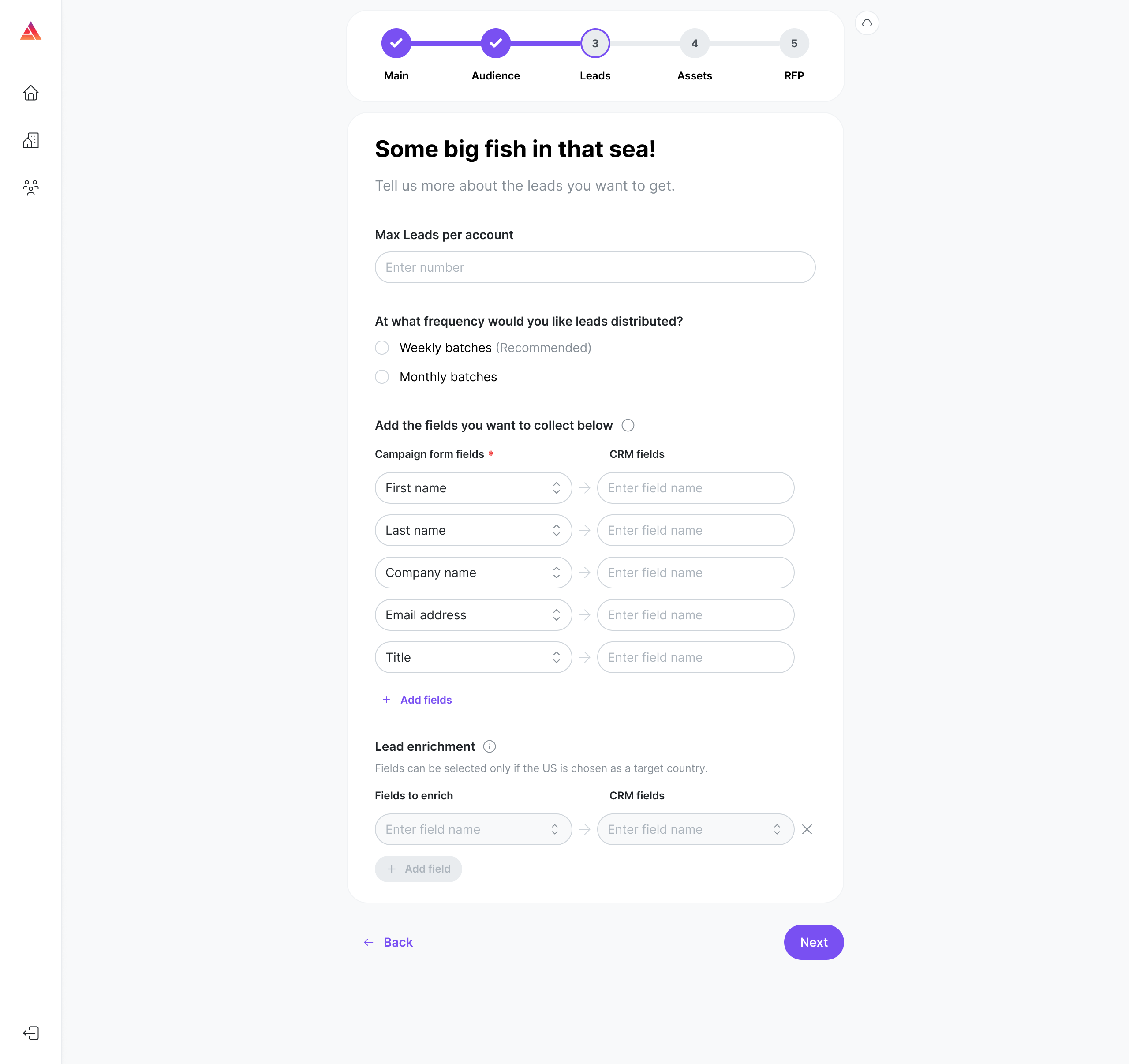
Increase "Max leads per account"
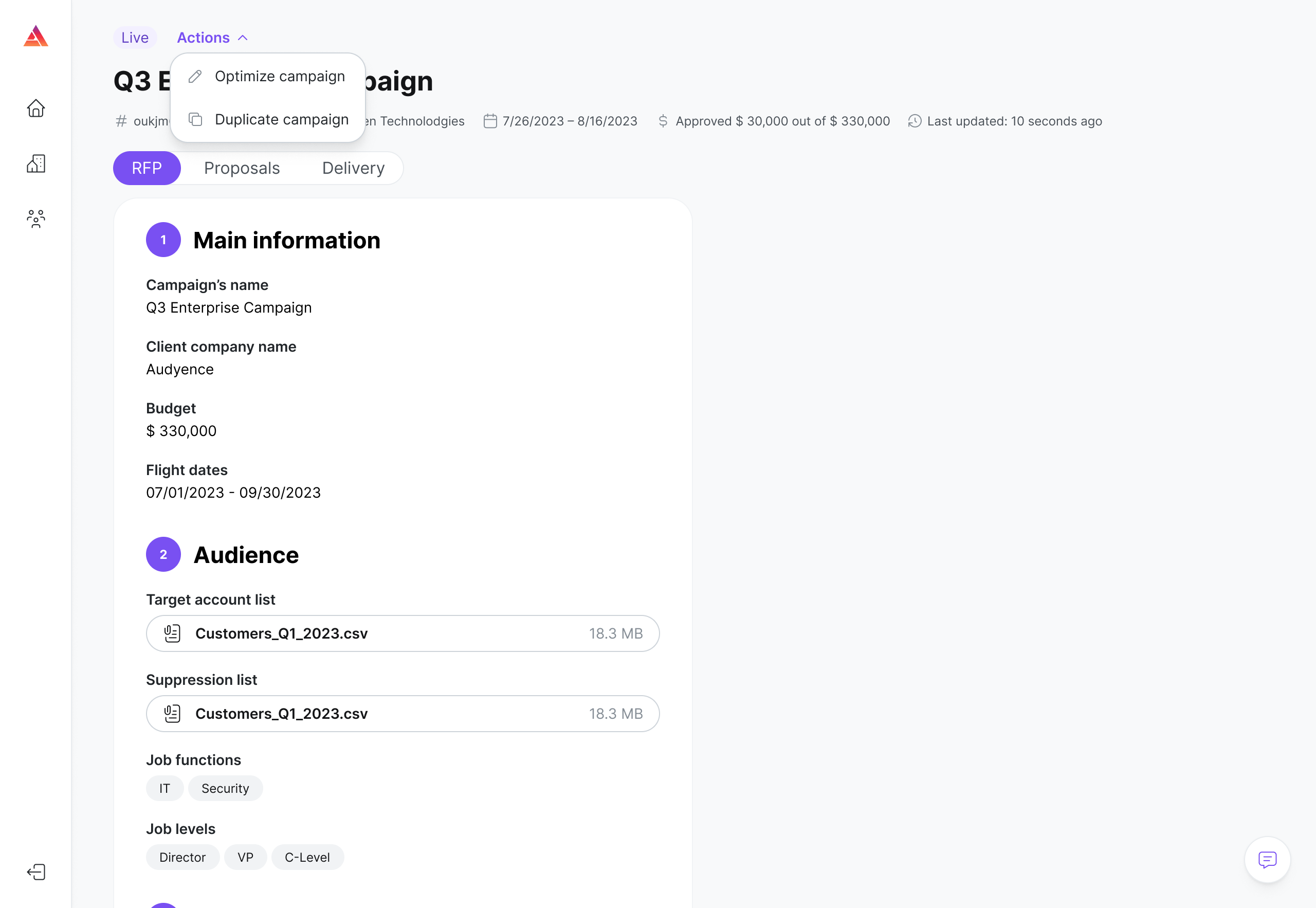
You can now raise the Max leads per account setting on ongoing campaigns, using Optimize Campaign. You can open Optimize Campaign from:
the three-dot menu on the campaign card in the dashboard
the Action menu when the campaign is open
the pencil icon in the RFP tab
Tip: This helps if you set the first cap low, or if more leads suddenly become available that could help the campaign.